
Get started in build IT!

To access build IT & its resources

Now, Canvas isn't just for your classes; you can also find build IT there too.
Step #2: Complete the Orientation & User Agreement
In Canvas, complete the Orientation module by watching the presentation video and signing the User Agreement.
You now have access to the build IT space and are welcome to use most of its resources.
A few more steps to use a 3D printer, sewing or embroidery machine, or cutting machine. A training is required.
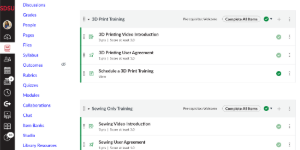
Step #3: Complete the Machine Basics Module in Canvas
Start by selecting the appropriate machine module in Canvas to watch the machine basics video and complete the safety agreement.
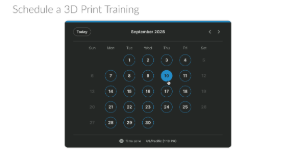
Step #4: Book a Machine Training Session
In the Canvas module, schedule a 1-on-1 in person training where we will guide you through using the machine and its software to make a sample project. Training sessions are made available 2 weeks in advance and typically take less than 45 minutes to complete.
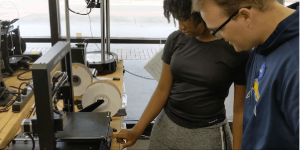
Step #5: Attend your Machine Training Session
Come into build IT on the appropriate date and time to attend your training. A staff member will teach you in using the machine with the necessary software to create a sample project. All materials are provided for the training session. We just ask that you bring yourself and a willingness to learn.
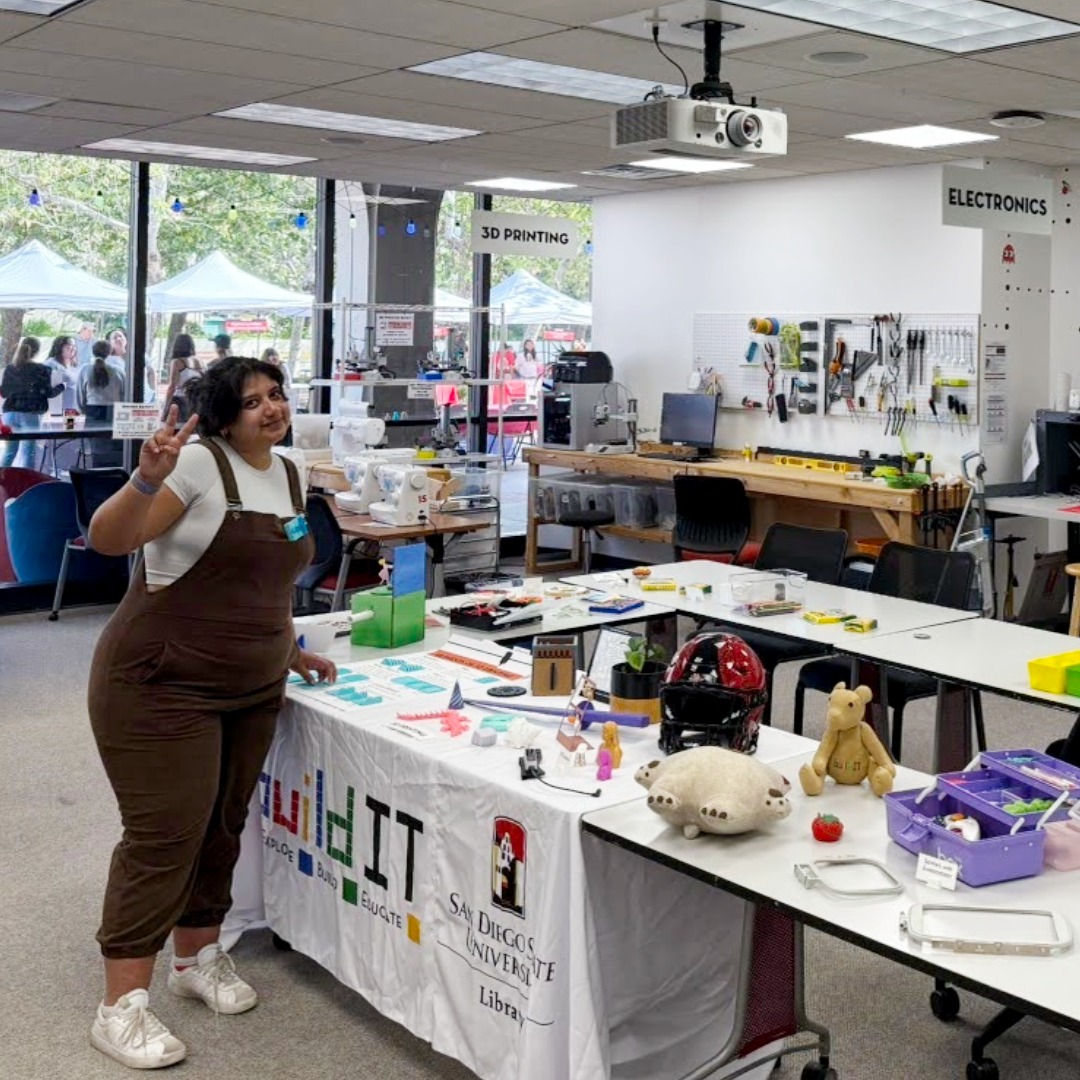
It doesn't matter what your major is or what year you are. We're all here to make things, have fun and challenge ourselves. It doesn't matter what your major is or what year you are. We're all here to make things, have fun and challenge ourselves.
Master Builder Chloe '26